
Batch background removal for every drop
Dropstitch removes backgrounds, adds shadows, evens out lighting, and outputs clean product photos automatically, every time.
No credit card required.
Raw uploads become polished listings
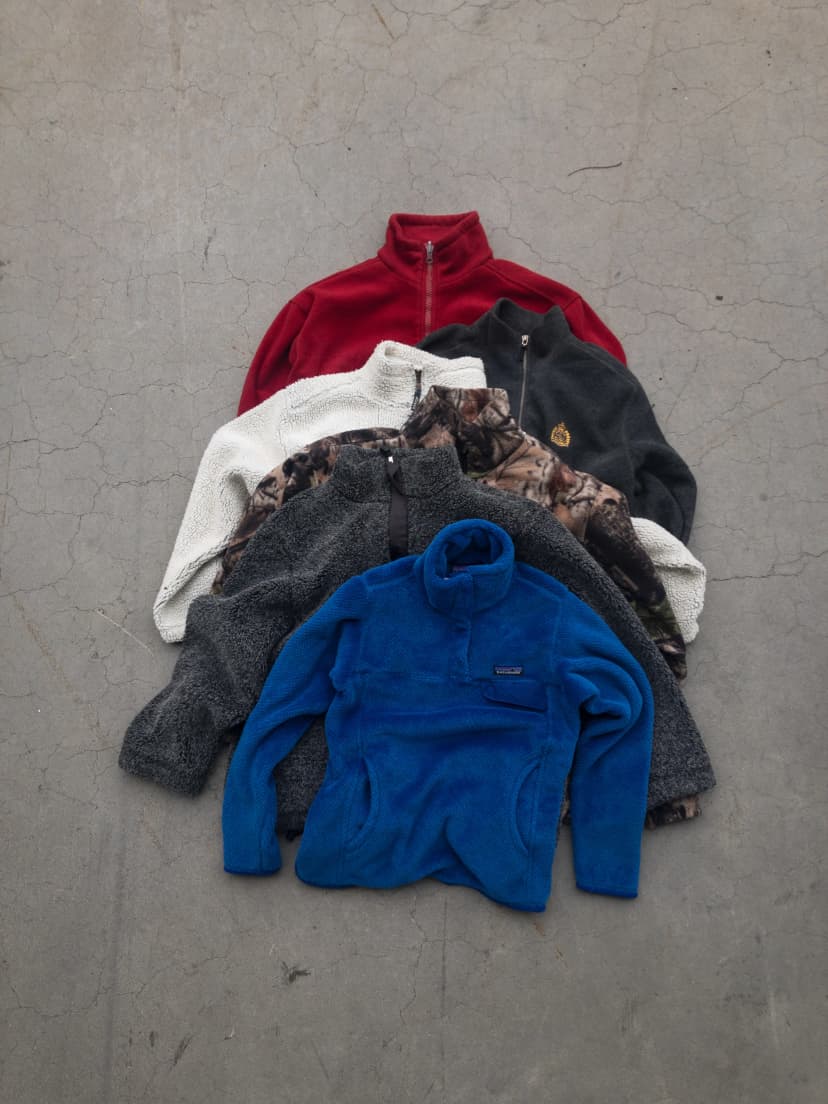
Before
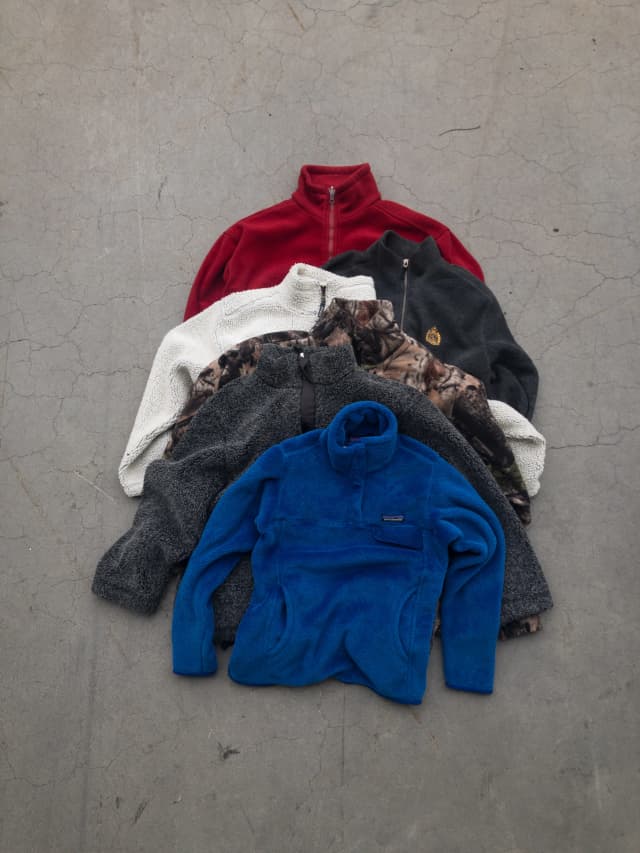
After
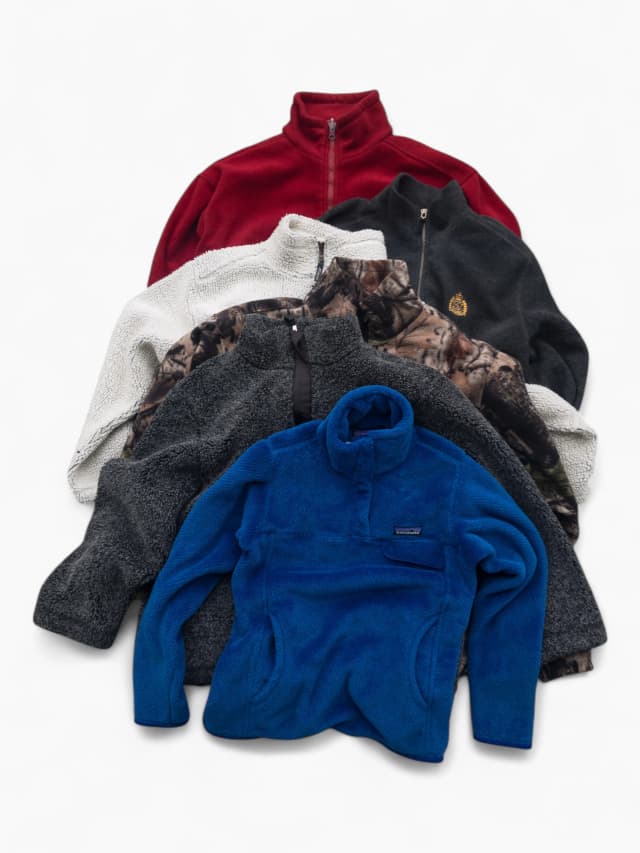
Why sellers get stuck
Background removal workflows should not slow down an entire drop.
Editing each photo in a separate app destroys your drop schedule.
Inconsistent backgrounds make listings feel untrustworthy.
Jumping between Photoshop, folders, and marketplaces breaks focus.
How it works
Steps to move faster
Dropstitch ingests the entire shoot in one go. No sorting required.
Backgrounds are removed, colors balanced, and lighting matched automatically.
Extra crops are generated so every listing shows the details buyers expect.
Review once, then push straight into listing templates.
What makes Dropstitch different
Reasons sellers switch
- Bulk-first photo cleanup that keeps drops moving
- Output that meets marketplace image guidelines
- No need for a separate photo editor
Who this is for
Built for growing sellers
- Sellers who want a clean feed
- Shops with brand standards to protect
- Teams processing drops every week
Ready to try Dropstitch?
Take photos. Dropstitch builds the listings. Publish and crosslist everywhere.
No credit card required.